
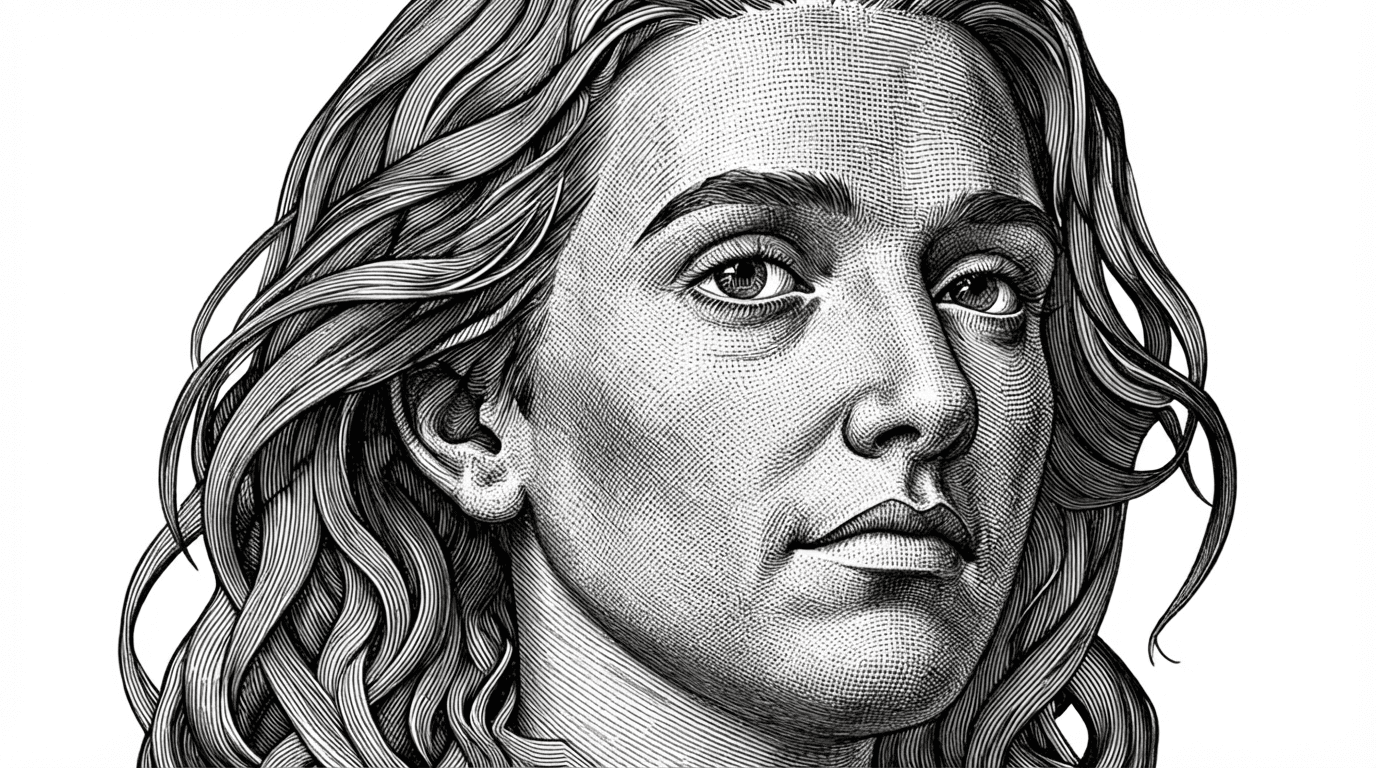
How Image Upscaling Improves AI Workflow Outputs
Ever look at a picture and wish it was just a bit clearer? Maybe for printing or just for a better look? Well, there's this cool tech called AI image upscaling that can help. It's like giving your old, small photos a new lease on life. Let's talk about how this whole process works and why it's becoming a big deal for all sorts of projects.
Key Takeaways
- AI image upscaling uses smart algorithms to enlarge images and add detail, making them look sharper and clearer than traditional methods.
- This technology is useful for many things, like making old photos look new, improving product pictures for online stores, and making historical images easier to see.
- While powerful, AI upscaling works best with decent original images and the right tools; it's not magic but a practical way to improve visual content.
Enhancing Visual Assets With AI Upscaling
Understanding The Core Technology Behind AI Image Upscaling
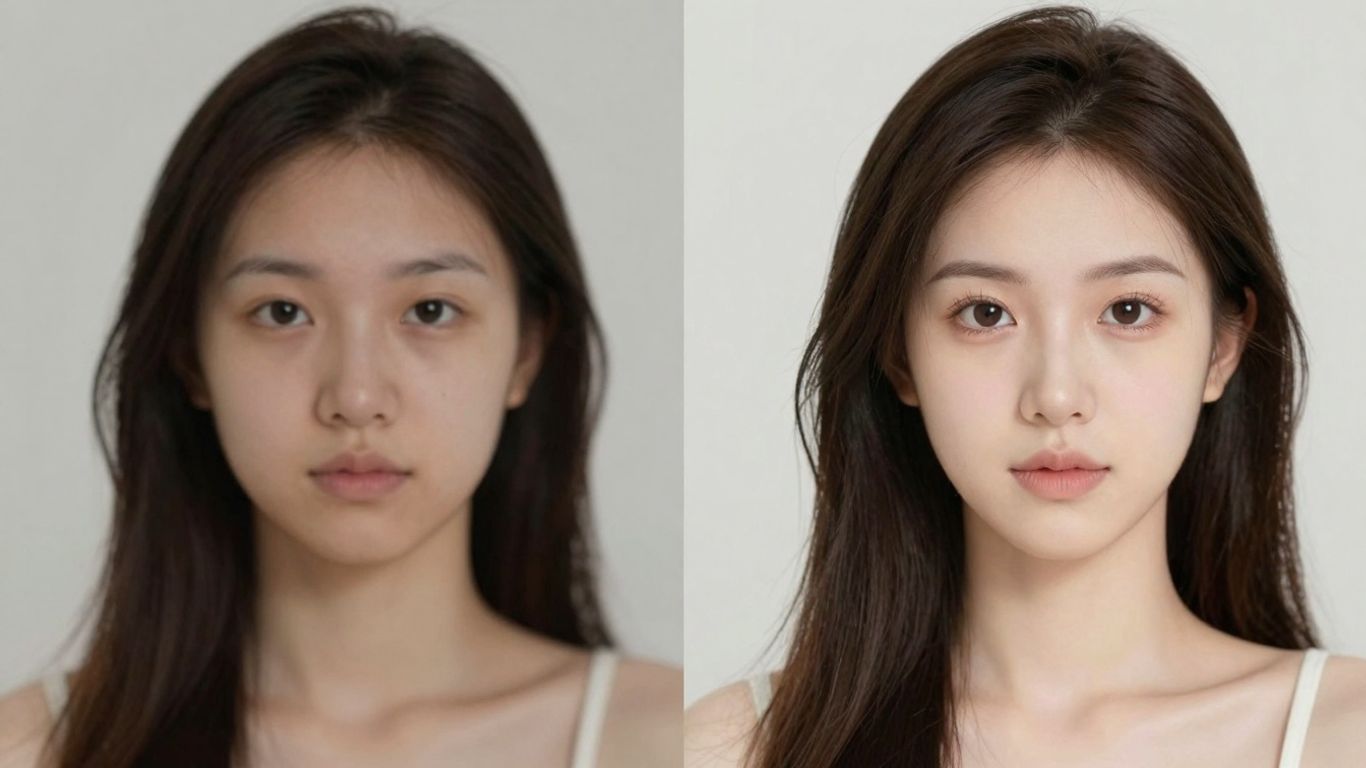
So, you've got a picture that's just a bit too small, maybe a bit fuzzy. The old way of making it bigger usually meant stretching it out, and that just made it look worse, right? Think blurry pixels and a general lack of sharpness. That's where AI image upscaling comes in, and it's a pretty neat trick.
Instead of just duplicating existing pixels, AI models look at your image and actually figure out what details should be there. They've been trained on tons of high-resolution pictures, so they know what things like skin texture, fabric patterns, or even the leaves on a tree typically look like when they're sharp and clear. The AI doesn't just guess; it generates new detail based on what it's learned. This means when you enlarge a photo, you're not just getting a bigger version of the original blur; you're getting a sharper, more detailed image that looks more natural.
Here's a quick look at how it differs from older methods:
- Traditional Upscaling: Uses math to average nearby pixels. It's like trying to color in a large space using only the colors of the dots right next to it. This often leads to blurriness.
- AI Upscaling: Analyzes patterns and reconstructs details. It's like an artist who knows what a face should look like and can redraw the missing parts realistically.
This technology is really good at adding back details that were lost, whether it's the fine lines in a portrait or the texture of a brick wall. It can also help clean up some of the mess from image compression, making things look smoother.
It's important to remember that AI upscaling isn't magic. If an image is extremely low quality to begin with, the AI might struggle to create convincing details. Starting with the best possible source image will always give you the best results.
Bridging The Gap Between Low-Resolution And High-Resolution Images
Think about all those times you needed a bigger version of a photo but couldn't get one. Maybe it was an old family picture scanned at a low quality, or a product shot that needs to be displayed on a huge banner. AI upscaling is the bridge that helps us get from that 'not quite good enough' low-res file to a crisp, high-res image that actually looks good.
It's particularly useful for:
- Print Preparation: Getting those web images ready for large posters or flyers without them looking pixelated.
- Restoration Projects: Bringing old, faded photographs back to life with more clarity.
- Digital Archiving: Making historical images more accessible and viewable for future generations.
Basically, if you have an image that needs to be larger than its original size, and you want it to look good, AI upscaling is the tool that makes that possible. It fills in the blanks in a way that looks believable, making your visuals ready for almost any purpose.
Practical Applications For Upscale Image Technology
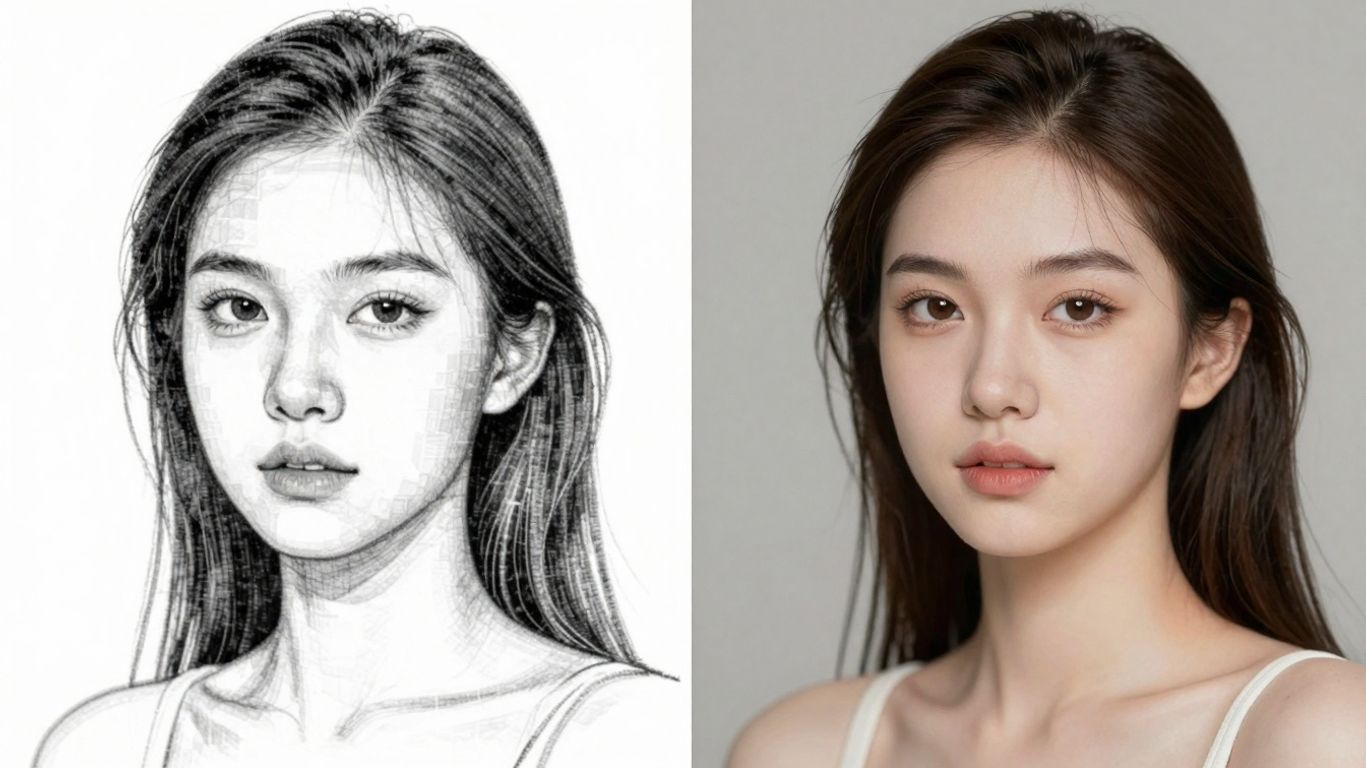
AI image upscaling isn't just some futuristic tech trick; it's a tool that's already making a real difference in a bunch of different areas. Think about it – we're constantly dealing with images that aren't quite up to snuff, whether they're old photos, product shots that look a bit fuzzy, or even screenshots that need to look good on a big screen. Upscaling helps fix that.
Revitalizing Photography And Creative Arts
For photographers and digital artists, starting a project with a smaller file size can save a lot of processing power. You can work on your piece without bogging down your computer, and then use AI upscaling later to get the resolution you need for printing or high-definition display. It’s like having a magic wand for your art. This is especially helpful when you need to reconstruct fine details, like the texture of fabric in a portrait or the subtle grain of a vintage photograph. The AI can intelligently add these details back in, making the final image look much more realistic and less like it's been artificially enlarged. It's a game-changer for breathing new life into old shots or preparing digital art for large-format prints.
Boosting E-commerce And Product Presentation
Online stores really depend on good product photos. If a customer can't see the details of a product clearly, they might hesitate to buy. AI upscaling can take those older, lower-resolution product images and make them sharp and clear, showing off textures, stitching, and other small features. This makes the shopping experience better and can lead to more sales. Imagine a customer zooming in on a piece of jewelry or the weave of a sweater; with upscaling, those details are crisp and convincing. It helps build trust and gives shoppers confidence in what they're buying. Many online retailers are now using this to make sure their product listings look professional across all sorts of devices, from phones to large monitors. You can even take an old catalog photo and make it print-ready for a new magazine ad, reconstructing details like fabric weave and material texture for print.
Preserving History Through Enhanced Visuals
Historical photos and documents often suffer from the limitations of old technology. They might be faded, scratched, or simply low-resolution. AI upscaling can help archivists and historians restore these precious pieces of our past. By intelligently adding detail and clarity, these tools can make historical images more accessible and understandable for future generations. Think about old family photos or important historical documents; upscaling can reveal details that were previously lost to time, making them more engaging and informative. It's not just about making things look prettier; it's about preserving cultural heritage in a way that was never before possible. This technology allows us to see the past with new eyes, uncovering nuances in clothing, architecture, and even facial expressions that were once hidden.
AI upscaling is becoming a standard part of many visual workflows. It's not about creating something from nothing, but about intelligently reconstructing detail based on patterns learned from vast amounts of data. This means that while the results can be impressive, starting with the best possible original image is always the first step toward achieving truly professional outcomes.
Want to see how super-sharp images can be made? Our advanced AI tools can help you create amazing pictures from just words or edit existing ones with simple commands. It's like magic for your photos! Visit our website today to explore the possibilities and start creating.
Wrapping Up
So, we've seen how AI image upscaling isn't just some fancy trick. It actually helps make your work look better, especially when you need bigger pictures than you started with. Instead of just stretching things out and making them blurry, this tech figures out what details should be there and adds them back in. It's pretty neat for getting old photos ready for printing, making product shots look sharp for websites, or even cleaning up screenshots for a presentation. As this technology gets better, it's going to be an even more common part of how we all work with images. Give it a try next time you've got a low-res image that needs a boost – you might be surprised at the difference it makes.
Frequently Asked Questions
What exactly is AI image upscaling?
Think of AI image upscaling like giving a blurry, small picture a superpower. Instead of just stretching it and making it look fuzzy, AI looks at the picture, understands what it's seeing (like a face or a tree), and then intelligently adds in the missing details to make it bigger and clearer. It's like a smart artist filling in the blanks to make the picture look great, not just bigger.
Can AI image upscaling fix any blurry picture?
AI upscaling is really good at making images clearer and adding details, but it can't create information that's completely missing. If a picture is extremely blurry or tiny, the AI makes its best guess based on similar images it has learned from. So, while it can do amazing things, it works best when there's at least some detail to start with. It's not magic, but it's pretty close!
When should I use AI image upscaling?
You should consider using AI image upscaling when you need a small, low-quality image to be larger and look better. This is super helpful for things like making old family photos clearer to print them big, making product pictures for online stores look sharp on any device, or even bringing old movies back to life. Basically, anytime you need a picture to be bigger and clearer without losing quality, AI upscaling is a great tool to try.